How to Check Your Watch Hours on YouTube (the Number That Counts for Monetization)
By The iamcreator.io Team · October 11, 2026
To check your watch hours on YouTube, open YouTube Studio and go to the Earn section. The watch-hours progress there is your valid public watch hours over the last 365 days, and it is the only number YouTube uses to decide whether you have 4,000 hours for monetization. The watch time on your Analytics overview is a different number, and it is almost always higher. Here is how to find both, and why they disagree.
Check your watch hours on a computer
- Open YouTube Studio and make sure you are signed in to the channel you want to check.
- Select Earn in the left-hand menu. If your channel isn’t in the Partner Program yet, this is where YouTube shows your progress toward each requirement.
- Read the watch-hours figure. It shows your valid public watch hours over the last 365 days next to the threshold, along with your subscriber count. That is your real number.
Check your watch hours on your phone
Use the YouTube Studio app rather than the main YouTube app, sign in to your channel and open its Earn section. The same watch-hours progress is shown there. If you only see total watch time, you are looking at Analytics, not Earn.
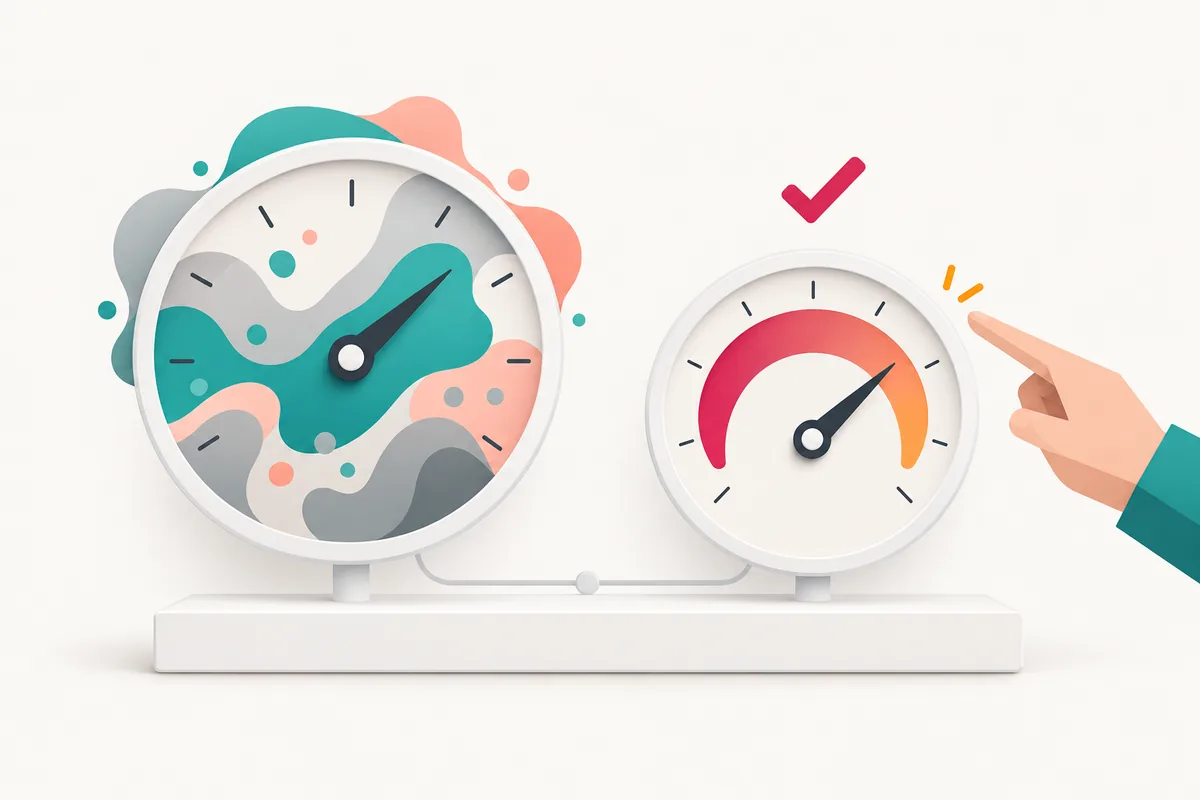
Two numbers, one that counts
Why Analytics shows more watch time than Earn
The watch time on the Analytics overview is real, it just measures something wider. The monetization figure leaves out:
- Shorts. Shorts watch time never counts toward watch hours. This is the most common reason for a big gap.
- Private and unlisted videos. Only public videos count. Switching a video to private or unlisted also removes the hours it already earned.
- Deleted videos. Their hours leave with them.
- Ads and paid promotion. Views you paid for don’t count.
- Anything older than 365 days. The count is a rolling window, so last year’s hours fall off the back every day.
Analytics can get you closer: set the date range to the last 365 days and split watch time by content type to see how much of it came from Shorts. It still includes unlisted and private videos, though, so treat it as a sanity check and the Earn figure as the answer. To see exactly which of your sources qualify, use the qualified watch hours checker.
How to check if you have 4,000 watch hours
Compare the Earn figure with the bar that applies to you. For the full YouTube Partner Program it is 4,000 valid public watch hours plus 1,000 subscribers. From February 1, 2027, channels not yet in the program need 8,000. At 500 subscribers, 3,000 hours opens the early-access tier for memberships, Super Thanks and Shopping, which is explained in does YouTube pay for 3,000 watch hours?
If you are short, the useful question is no longer “how many do I have?” but “when will I get there at this pace?”
Turn your number into a date
Take the Earn figure, then find your average daily watch hours (your watch time over the last 28 days in Analytics, divided by 28). Put both into the watch hours calculator and it projects the day you cross 4,000 or 8,000 hours, and whether that lands before the February 2027 deadline.
Project your monetization date
Enter your watch hours and daily pace, and see when you reach 4,000 or 8,000. Free, no sign-up.
Your total can go down
Can you check another channel’s watch hours?
No. Watch hours are private analytics that only the owner sees in YouTube Studio. Views and subscribers are public, but the qualifying watch-hour total isn’t, so any site that claims to show another channel’s exact watch hours is guessing. For your own channel, the monetization checker takes the numbers from your Earn section and shows how close you are to every Partner Program path at once.
Stop checking by hand
See your qualified hours and projected date
Sign in with Google, connect your channel, and get your watch-hour progress from your own data.
The short version
- YouTube Studio, Earn section: that is the number that counts.
- It is valid public watch hours over the last 365 days, not your Analytics total.
- The gap is usually Shorts, plus unlisted, private and deleted videos.
- Compare it with 4,000 (8,000 for new applicants from February 1, 2027), then turn it into a date with the calculator.
Frequently asked questions
How do I check my watch hours on YouTube?
Open YouTube Studio, go to the Earn section and look at the watch-hours progress toward the Partner Program threshold. That figure is your valid public watch hours over the last 365 days, the number YouTube uses for monetization. The watch time on the Analytics overview is a different, usually bigger number.
How do I check if I have 4,000 watch hours on YouTube?
Use the Earn section of YouTube Studio, not Analytics. It shows your valid public watch hours over the rolling 365 days against the 4,000-hour bar. If that number says 4,000 or more and you have 1,000 subscribers, you meet the watch-time side of the full Partner Program. From February 1, 2027, new applicants need 8,000.
How do I check my public watch hours on YouTube?
Public watch hours are what the Earn section of YouTube Studio reports: watch time on your public videos longer than 60 seconds, public live streams and premieres over the last 365 days. Analytics can't show that exact figure, because its totals also include Shorts, unlisted and private videos.
Why is my watch time in Analytics higher than my watch hours in Earn?
Analytics counts everything in the period you select: Shorts, unlisted and private videos included. The Earn figure only counts valid public watch hours from long-form videos, live streams and premieres in the last 365 days, and leaves out ads, paid promotion and deleted videos. If the gap is big, it is usually Shorts.
Can I check another channel's watch hours?
No. Watch hours are private analytics that only the channel owner can see in YouTube Studio. Public data such as views and subscribers is visible to anyone, but the qualifying watch-hour total is not, so no outside tool can read another channel's exact number.
Why did my watch hours go down?
Because the monetization figure is a rolling 365-day total, it can go down as well as up. Hours from more than a year ago drop off every day, and deleting a video or switching it to private or unlisted removes the hours it earned.
Free tools mentioned in this guide
YouTube Watch Hours Calculator
Turn the number you just found into a projected monetization date.
Qualified Watch Hours Checker
See which of your watch time counts, and why Studio shows two numbers.
YouTube Monetization Checker
Check your numbers against every Partner Program path at once.